
What Is AI Automation? The Complete Business Guide for 2026
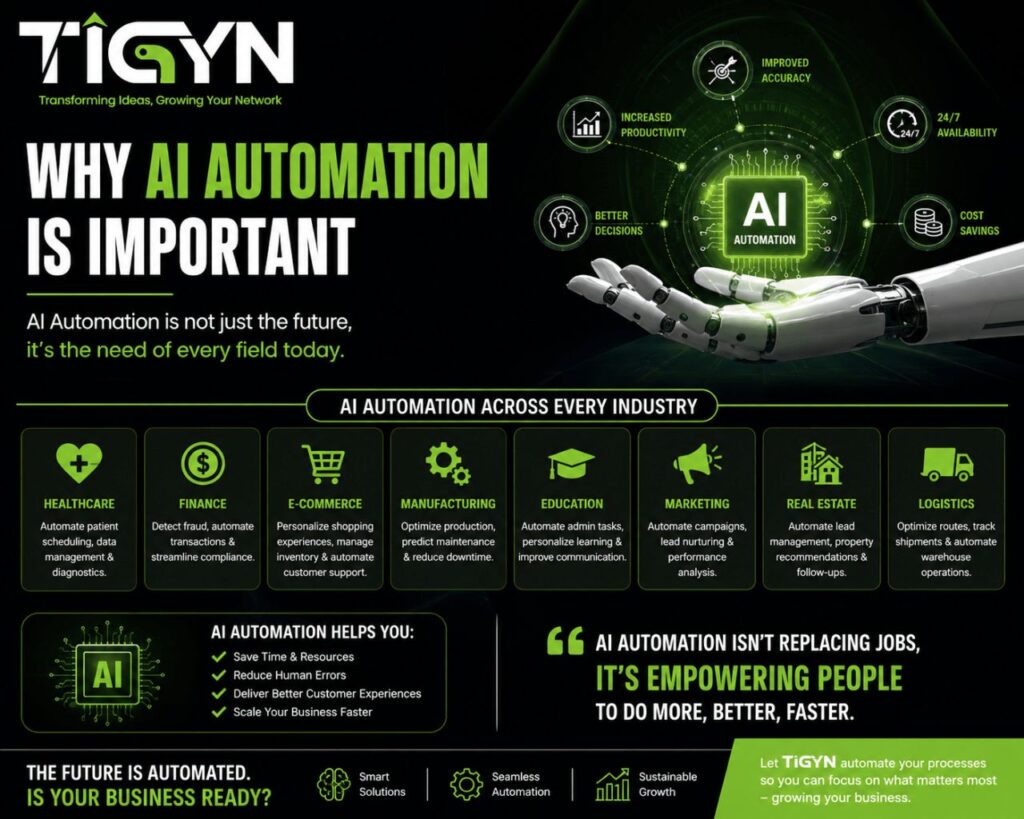
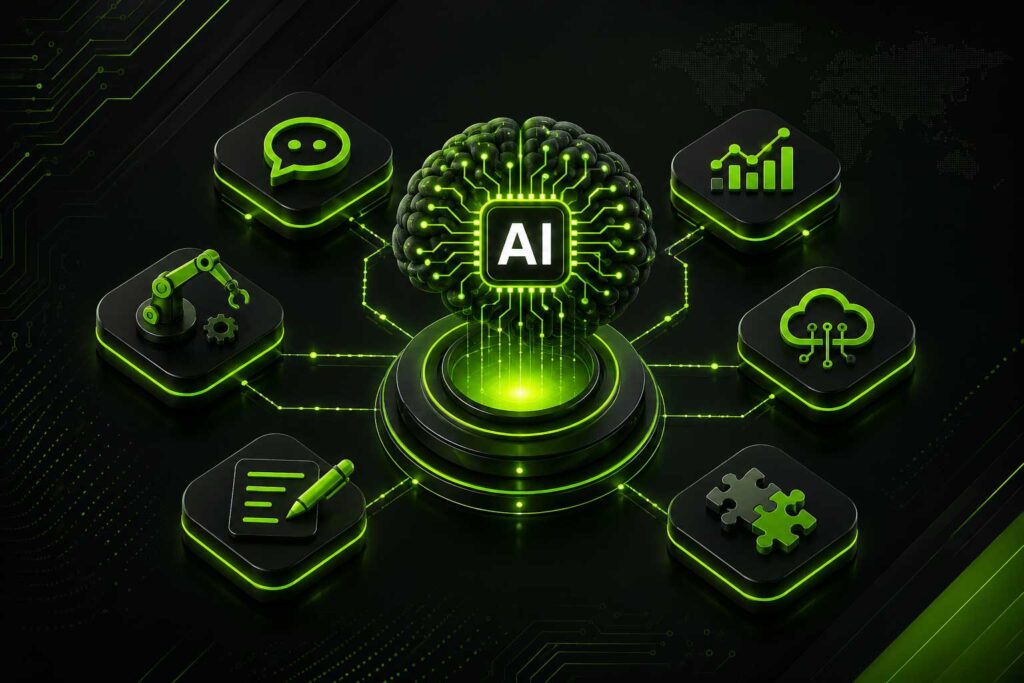
AI automation is the use of software and AI to complete business tasks with little human involvement. In short, it handles the repetitive work, so your team does not have to.
Businesses use AI automation to cut costs, reduce errors, and move faster. This guide explains what it is, how it works, and how to get started.
What Is AI Automation?
AI automation means using AI tools to do tasks that used to need a person. For example, sorting emails, reading invoices, answering customer questions, or updating records.
Basic automation follows fixed rules. AI automation is different. It can read unstructured data, understand context, and handle tasks that change from one case to the next.
Here are some simple examples:
- Routing a support ticket to the right team based on what the customer wrote
- Reading an invoice and entering the data into your accounting system
- Drafting a reply to a customer email for your agent to review
- Flagging a sales deal that looks like it is about to go cold
The key point is this: AI automation handles tasks that vary. That is what sets it apart from older automation tools.
How Does AI Automation Work?
AI automation runs in three basic steps. First, it receives data. Then, it processes that data. Finally, it takes an action.
Step 1: Data Input
The system gets some kind of input. This could be an email, a document, a form, a chat message, or a database record.
Step 2: AI Processing
Next, the AI reads and interprets the input. It might classify it, extract key details, summarise it, or generate a response. This is where models like GPT or other AI tools do the actual thinking.
Step 3: Automated Action
Based on what the AI finds, the system then takes action. For instance, it might update a CRM, send a message, create a task, or file a document.
Most systems connect to your existing tools through APIs or platforms like Zapier, Make, or n8n. So you do not need to rebuild anything from scratch.

AI Automation vs. Traditional Automation
It helps to know the difference between AI automation and older rule-based automation.
| Feature | Traditional Automation | AI Automation |
|---|---|---|
| Input type | Structured, predictable | Unstructured, variable |
| Adaptability | Fixed rules only | Learns and adapts |
| Setup complexity | Lower | Moderate to high |
| Best for | Simple, repetitive tasks | Complex, judgment-based tasks |
| Example | Send invoice when payment is received | Read any invoice format and extract data |
In short, traditional automation is great for simple, predictable tasks. AI automation works better when the inputs change or the task needs some level of judgement.
Many businesses use both together. They automate simple steps with basic tools, then add AI for the parts that are harder to define.
Key Business Benefits of AI Automation
So why are businesses investing in AI automation? Because it delivers results in four key areas.
Lower Costs
When you automate manual tasks, you reduce the time staff spends on low-value work. According to McKinsey, companies that roll out intelligent automation can cut operational costs by 20–35% in the first year.
That is a real impact on the bottom line. And unlike hiring, the cost does not keep growing as your volume increases.
Higher Productivity
Your team can focus on higher-value work when AI handles the routine tasks. For example, a sales team that automates lead follow-up can manage a larger pipeline without adding more staff.
As a result, output goes up without a matching increase in headcount.
Faster Turnaround
AI systems work around the clock. So instead of waiting for a human to process a request, customers get a response in seconds. This matters most in support, onboarding, and order processing, where speed directly affects satisfaction.
Fewer Mistakes
Manual data entry is one of the biggest sources of business errors. AI processes data consistently. It does not get tired, skip steps, or misread a number. As a result, error rates in invoicing, reporting, and compliance tend to drop significantly.
Scalability Without Extra Cost
This is one of the clearest advantages. When your business grows, your workflows need to handle more volume. With AI automation, you can scale up without scaling your headcount at the same rate.

Common AI Automation Use Cases
AI automation applies across almost every business function. Here are the most common areas where businesses are using it today.
Customer Support
- Classifying and routing tickets to the right team
- Generating first-draft replies for agents to review and send
- Answering common questions via chatbot
- Escalating urgent issues automatically
Sales and Marketing
- Scoring and qualifying inbound leads
- Sending follow-up sequences based on behaviour
- Writing personalized outreach messages at scale
- Summarising call recordings and CRM notes
Finance and Operations
- Reading invoices and entering data automatically
- Reconciling transactions across systems
- Flagging unusual activity in financial data
- Generating routine reports without manual effort
HR and Administration
- Screening CVs and shortlisting applicants
- Running automated onboarding checklists for new hires
- Scheduling interviews based on calendar availability
- Answering common internal HR questions
Document Processing
- Pulling key data from contracts and agreements
- Classifying and filing documents by type
- Summarising long reports into short briefs
- Translating documents across languages
Risks and Challenges
AI automation is not without risk. Before you invest, it is worth understanding the common pitfalls.
Poor Data Quality
AI is only as good as the data it works with. If your data is messy or inconsistent, the outputs will be unreliable. So before you automate a process, clean up the data that feeds it.
Automating the Wrong Things
Not every task should be automated. Some decisions need human judgment. Others involve sensitive relationships or complex compliance requirements. Automating these poorly can cause more problems than it solves.
Integration Challenges
Connecting AI tools to your existing systems takes time. Businesses that rush this step often face delays, broken workflows, and unexpected costs. Plan for integration work upfront.
Data Security
AI systems handle sensitive data. Make sure any tool you use complies with relevant data protection laws — for example, GDPR in Europe or applicable rules in your region. Ask vendors direct questions about how they store and use your data.
Vendor Dependency
If you build everything on one platform, you take on risk. That vendor could change pricing, limit features, or shut down. So it is worth choosing tools with stable APIs and checking your exit options before you commit.
How to Get Started with AI Automation
Starting with AI automation does not have to be complex. Follow these five steps to build a solid foundation.
Step 1: Find the Right Processes
Start by listing tasks in your business that are repetitive and time-consuming. Then look for the ones where speed or accuracy would make the biggest difference. These are your best automation candidates.
Step 2: Rank by Business Impact
Not all automation projects deliver the same return. So prioritize the workflows where the savings are clear and measurable. Ask How much time does this take now? What would it cost to get that time back?
Step 3: Start with One Workflow
Do not try to automate everything at once. Instead, pick one workflow and run a pilot. A small pilot surfaces problems early and builds confidence before you invest further.
Step 4: Choose Tools That Fit Your Stack
Look for AI tools that connect easily to the systems you already use. Platforms like Microsoft Power Automate, Make, or Zapier AI work well for many small and mid-sized businesses. Larger teams may need custom API integrations.
Step 5: Measure the Results
Before you launch, set clear success metrics. These might include time saved per week, error rates, cost per transaction, or customer response times. Then review them regularly and improve the workflow based on real data.
FAQ
What is the difference between AI automation and RPA?
Robotic Process Automation, or RPA, follows fixed rules to mimic human actions in software. It works well for structured, predictable tasks. AI automation, on the other hand, can handle variable inputs and make basic judgments. In practice, many businesses use both RPA for the simple steps and AI for the complex ones.
Is AI automation only for large companies?
No. Small and mid-sized businesses are using it too. Tools like Zapier AI, Make, and OpenAI’s API have made it accessible and affordable. The key is to start with a clear use case and a measurable goal.
How long does it take to implement?
A single workflow can go live in two to four weeks. Larger projects that connect multiple systems typically take two to six months. It depends on how complex your processes are and how ready your data is.
Will AI automation replace my staff?
In most cases, no. AI automation replaces specific tasks, not full roles. Most businesses use it to free up staff for higher-value work, not to cut headcount. The goal is to do more with the same team.
Which industries benefit most?
Financial services, professional services, e-commerce, logistics, and customer support businesses tend to see the strongest early results. That said, most industries have repetitive internal processes that are worth automating.
Final Thoughts
AI automation is an operational decision, not just a technology one. Businesses that approach it with clear goals and a structured process see real results. Those that rush into it without the right foundations often struggle.
So start small. Pick one workflow, measure the outcome, and then build from there.
Need help implementing AI automation in your business? TIGYN can help you identify opportunities, build the right systems, and automate workflows that deliver measurable results.